
How it works
How to make a farewell presentation for the funeral
From the first photo to the presentation in the funeral hall, in seven calm steps. You work at your own pace, alone or together with family, on your phone, tablet or computer.
Simple: step by step
An outline of the service is ready straight away: entrance, speaker, photo presentation and exit. You answer gentle questions with a single click and watch the running order take shape. If you like, an assistant can help.
Advanced: do it yourself
Every button and option within reach. For those who like to stay in control of each photo, transition and song. You can switch between the two at any moment.
Step by step
From the first photo to the day itself
Step 1
Create a memorial
Signing up is free and needs no payment details. You enter the name and dates of your loved one, with a photo if you wish. Then you choose how you would like to work.
- Free account, no subscription
- You can always stop and continue later
Step 2
Set up the running order of the service
The presentation follows the service. You put the parts in the order in which they take place and give each part its own images and music.
- Entrance, Speaker, Photo presentation, Piece of music, Video compilation, Moment of silence, Exit
- Drag to change the order
- You see the total length straight away
Step 3
Gather photos, videos and music
Upload from your phone or computer yourself, or invite family and friends as helpers. They sign in with just their email address and a code, and add what they have.
- iPhone photos (HEIC), scans and PDFs are converted automatically
- A personal invitation message to pass on via WhatsApp or email
- You decide what goes into the presentation
Step 4
Choose the music
Upload the MP3 file of the song that belongs to your loved one. You can search and listen via Spotify and YouTube; your own MP3 is what goes into the download.
- The app works out how long each photo stays on screen, based on the song
- Trim songs to just the right part
- Two or more songs in a row within the same part
Step 5
Finish the presentation
Put the photos in each part in the right order. Rotate or crop where needed, choose a transition and, if you wish, add an opening or closing slide with text.
- Each photo stays on screen for at most 12 seconds, so it remains calm
- Duplicate photos are recognised
- For speakers: one photo, for as long as someone is speaking
Step 6
Watch it together
View the whole presentation at any moment. Family who live further away can watch along via a viewing link with a PIN code.
- Make changes as often as you like
- Download a free preview with a watermark to check everything
Step 7
Download for the funeral
Once you are happy, you pay once and download the version without a watermark, in the format the funeral home uses.
- PowerPoint, numbered photos, Farewell Player or video (MP4)
- The running order as a PDF for speakers and the funeral director
- You can download again later
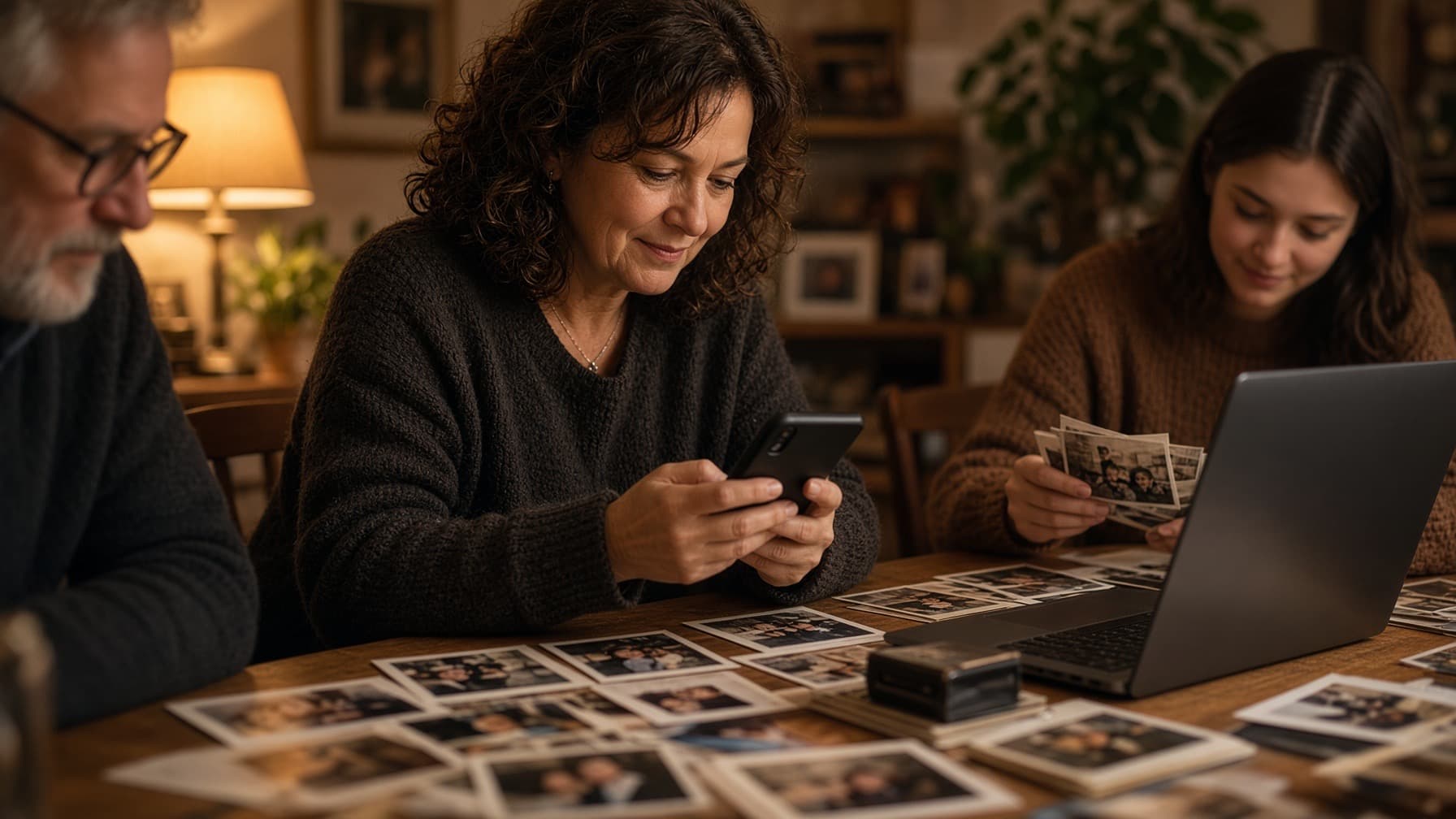
Everyone adds what they have.
You keep the overview and choose what goes into the presentation.
Extra help along the way
More than just the presentation
If you would like it, you get help along the way with the things around the service. Everything is optional.
Help with the eulogy
A first draft of a speech based on your own words, to copy or print.
Music ideas
Suggestions with a short clip to listen to, and an explanation of where you can buy the song.
Opening and closing slide
A calm slide with a name, dates or a short text at the beginning or end.
Checklist for the day itself
What to bring and what to keep in mind, ready to print.
Registering for the funeral
Guests register via a link or the QR code on the funeral card; you see who is coming.
Memorial page
After the funeral, a place where family and friends can light a candle.
Pricing
Take your time first, pay only at the end
You only pay once the presentation is finished and you download the version without a watermark. You pay for it once; all formats are included and there is no subscription.
Frequently asked questions
Begin whenever you are ready
There is no rush: what you make is kept. Start with a few photos and add more later.